Before we start the angular development, we need to install node setup to your environment. Please download node latest version and install it. Once installed it, you will open a terminal or command prompt to type the following command.
node --version
The above command was shown installed node version details.
Then install for AngularCLI for globally.
npm install -g @angular/cli

node --version
The above command was shown installed node version details.
Then install for AngularCLI for globally.
npm install -g @angular/cli
Create a new Project
Generate a new project by using angular cli. We execute the following command
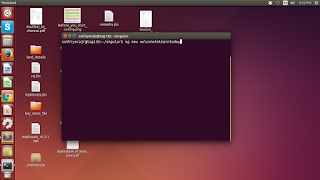
ng new welcometolearntoday
Fig:
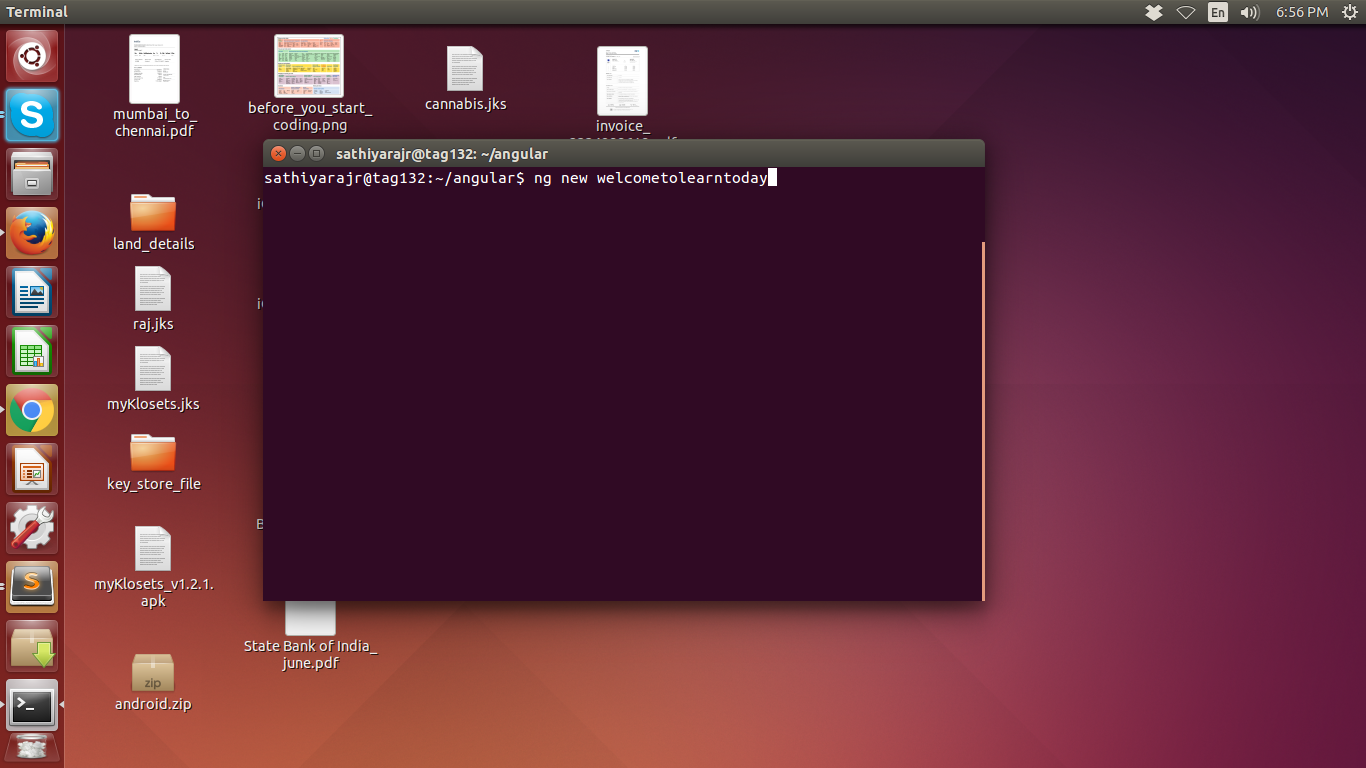
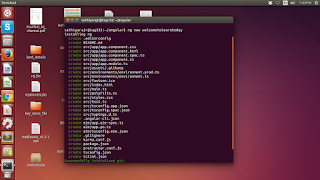
Then automatically Angular related packages are generated. the following image is shown the list of file names are generated.
Fig:

Then go to project folder:
cd welcometolearntoday
now start to run the angular application
ng server --open
Now, the following url is generated and open the browser.
http://localhost:4200/
Fig:

Comments
Post a Comment